Debt Payoff Calculator (Snowball + Avalanche) — Excel Template
Bottom Line
See your debt-free date and compare the snowball and avalanche methods side by side to find which one saves you more.
Tool Overview
- Format: Excel and Google Sheets
- Best For: Anyone with credit cards, loans, or mortgage debt
- Price: $4.99
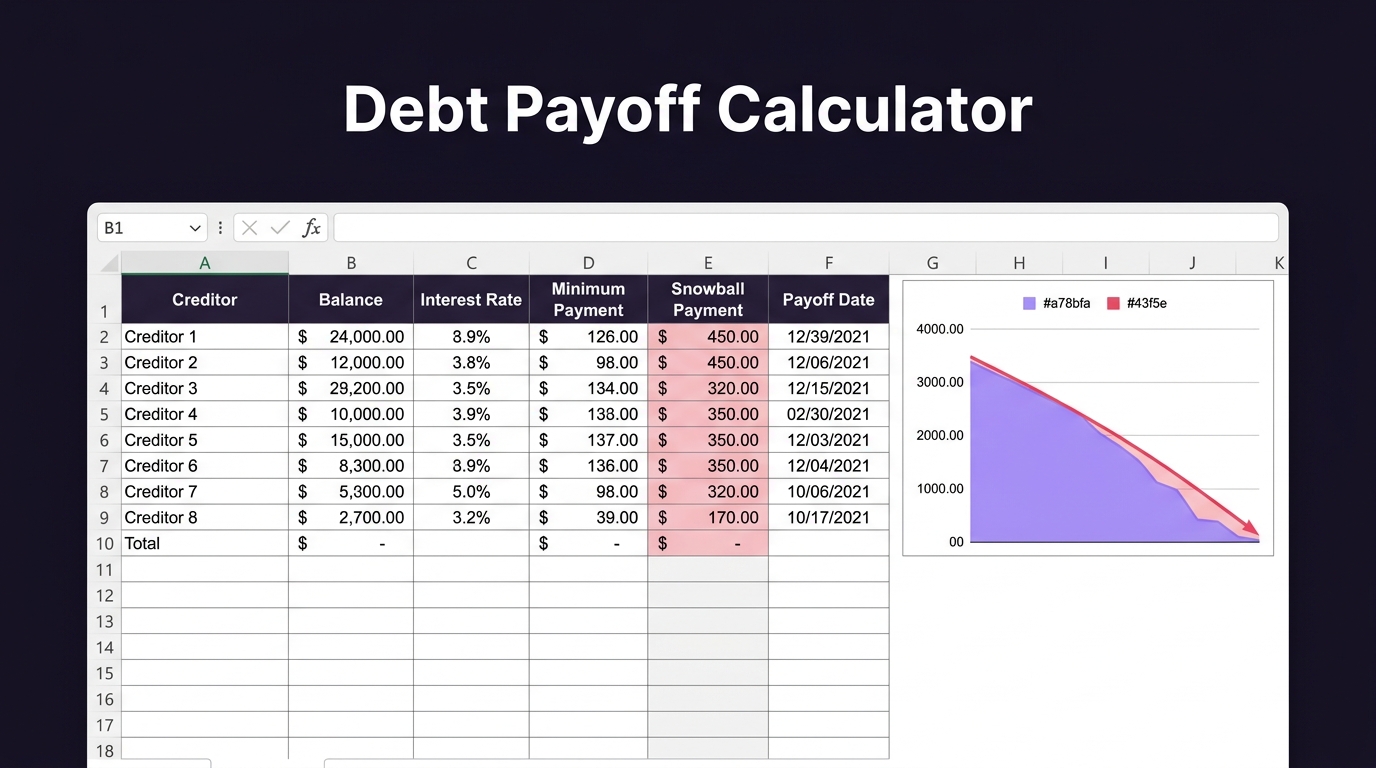
This debt payoff calculator shows your debt-free date and compares the snowball and avalanche methods side by side, so you can see which one gets you out of debt faster and saves more interest. You enter each debt once with its balance, rate, and minimum payment, add any extra you can pay each month, and it shows both plans with the total interest and how much you save by choosing one over the other.
Get Instant Access
Instant download. Secure payment. Fix-or-replace guarantee.
What's Inside
Who It's For
Anyone paying off credit cards, student loans, car loans, or a mortgage who wants a clear plan and a real payoff date.
✓ All formulas unlocked and visible. Zero macros. Compatible with Excel 2016+, Google Sheets, and LibreOffice Calc.
Q: How do I calculate my debt-free date?
A: Enter each debt on the Debt Entry tab with its balance, APR, and minimum payment. Set your extra monthly payment on the Extra Payment tab. Check the Comparison tab for your debt-free date under each method.
If your tool doesn't work as described, we'll fix it or replace it free.